

Overview
The Events list is your home base once you have at least one event. It opens whenever you click Events in the sidebar or Event List from the dashboard home. It shows every event for the currently selected organisation, with pagination, click-to-open rows, and a Create button in the top-right.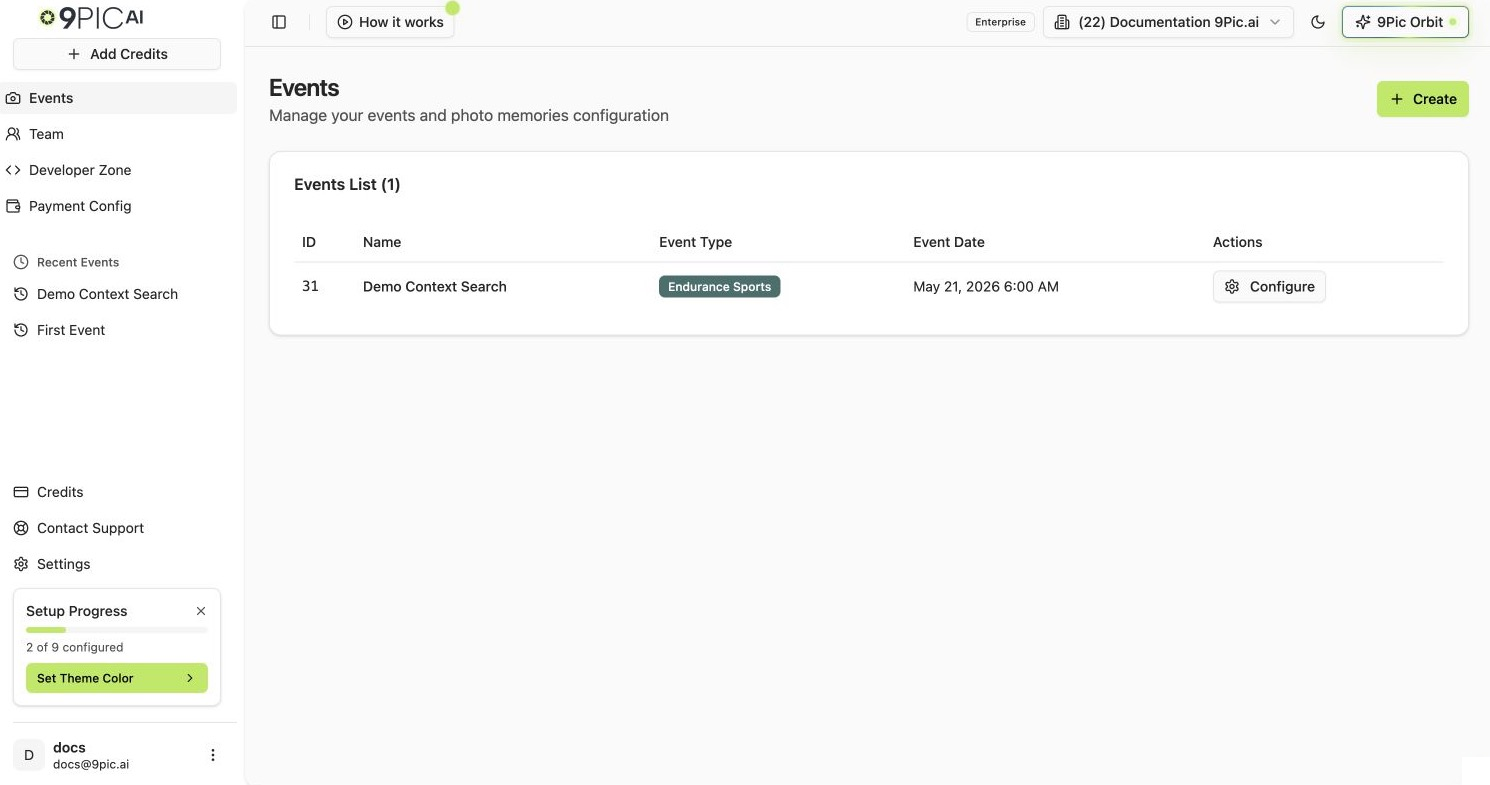
Events list with one event
How to Open the Events List
1
Open the Events page
Click Events in the dashboard sidebar (camera icon). You can also click the Event List card from dashboard home.
2
Confirm the organisation
The list is scoped to the organisation in the top bar. Switch organisations if you do not see the events you expect.
What Each Column Means
Pagination
The list loads 30 events per page, sorted by the API (latest activity first). When you have more than 30 events:- Previous / Next buttons appear at the bottom-right.
- A counter on the bottom-left reads
Showing 1 to 30 of 87 events. - The page number sits between the two buttons (
Page 1 of 3).
Create a New Event From This Screen
The primary entry point for creating an event sits in the top-right of the Events list:1
Click Create
The blue Create button (with a
+ icon) opens the new event form.2
Fill the form
See Create an event for the full field-by-field reference.
3
Return to the list
After creating, you land back on the Events list with your new event at (or near) the top.
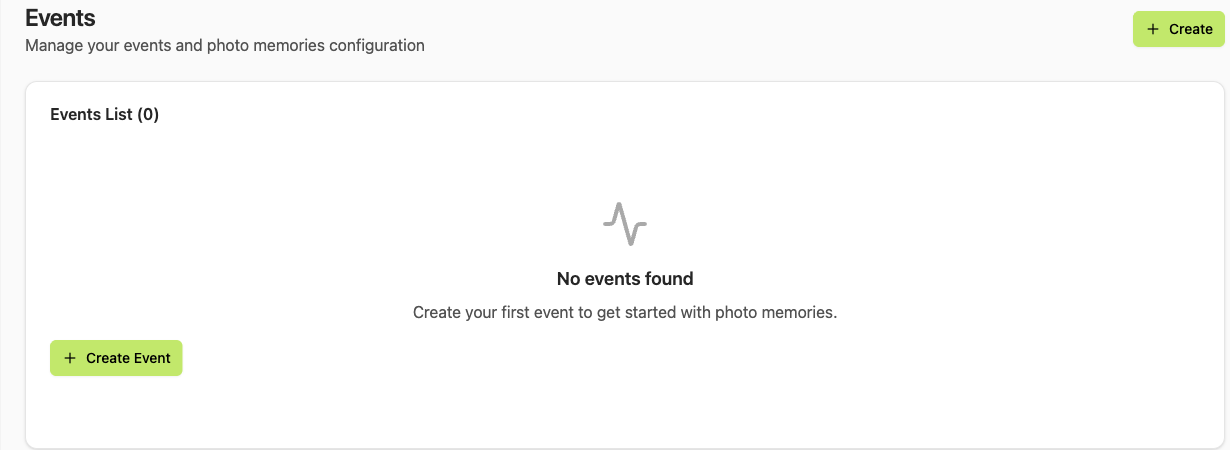
Empty Events list
Open an Event for Editing
Click anywhere on the event row (or the Configure button on the right) to open the event details page. You land on the 9pic Photo product, Overview tab — see Event details for the full layout.Common Questions
Why don't I see an event I just created?
Why don't I see an event I just created?
The list is scoped to the selected organisation. If you created the event under a different organisation, switch organisations from the top bar.
How do I search for an event by name?
How do I search for an event by name?
The current list does not have a search or filter field. Page through with Previous / Next, or jump straight to an event from Recent Events in the sidebar. For very large organisations, use the API to query events programmatically.
Can I sort the table?
Can I sort the table?
Sort options are not exposed in the UI yet. Events are returned in the order the backend provides (latest activity first).
What does the ID column give me?
What does the ID column give me?
The numeric event ID. You’ll need it when contacting support, when calling the API, and as a stable reference if the event name changes.
Next Steps
Create an event
Full field-by-field reference for the new event form.
Event details
The nine-product navigation and the tab pattern inside each event.