

Welcome to Pay As You Go
You’re on the 9Pic Pay As You Go plan. You’re not on an annual subscription — you bought a credit pack and you’ll buy more whenever you need them. This guide is the playbook for running real customer-facing events on credits, watching your balance, and getting clear on whether Pro is worth it for your volume. The journey has four short stages:1. Know your plan
What changed when you topped up, and what’s now in your account.
2. Run your events
The end-to-end event flow with credit costs called out at every step.
3. Manage credits
Watch your balance, top up before events, and download invoices.
4. Decide on Pro
When the math actually flips in favour of the Pro subscription.
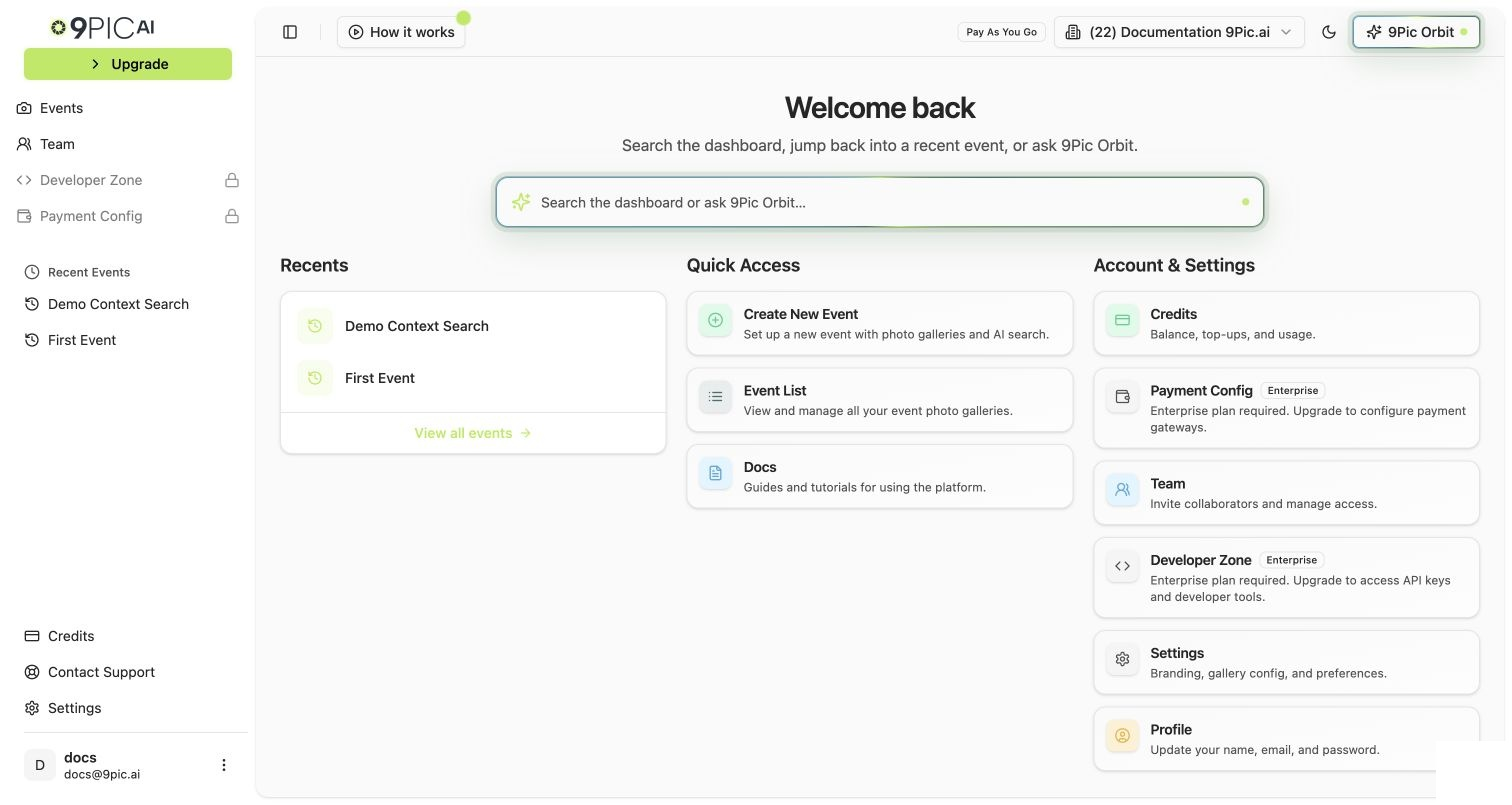
Pay As You Go dashboard home
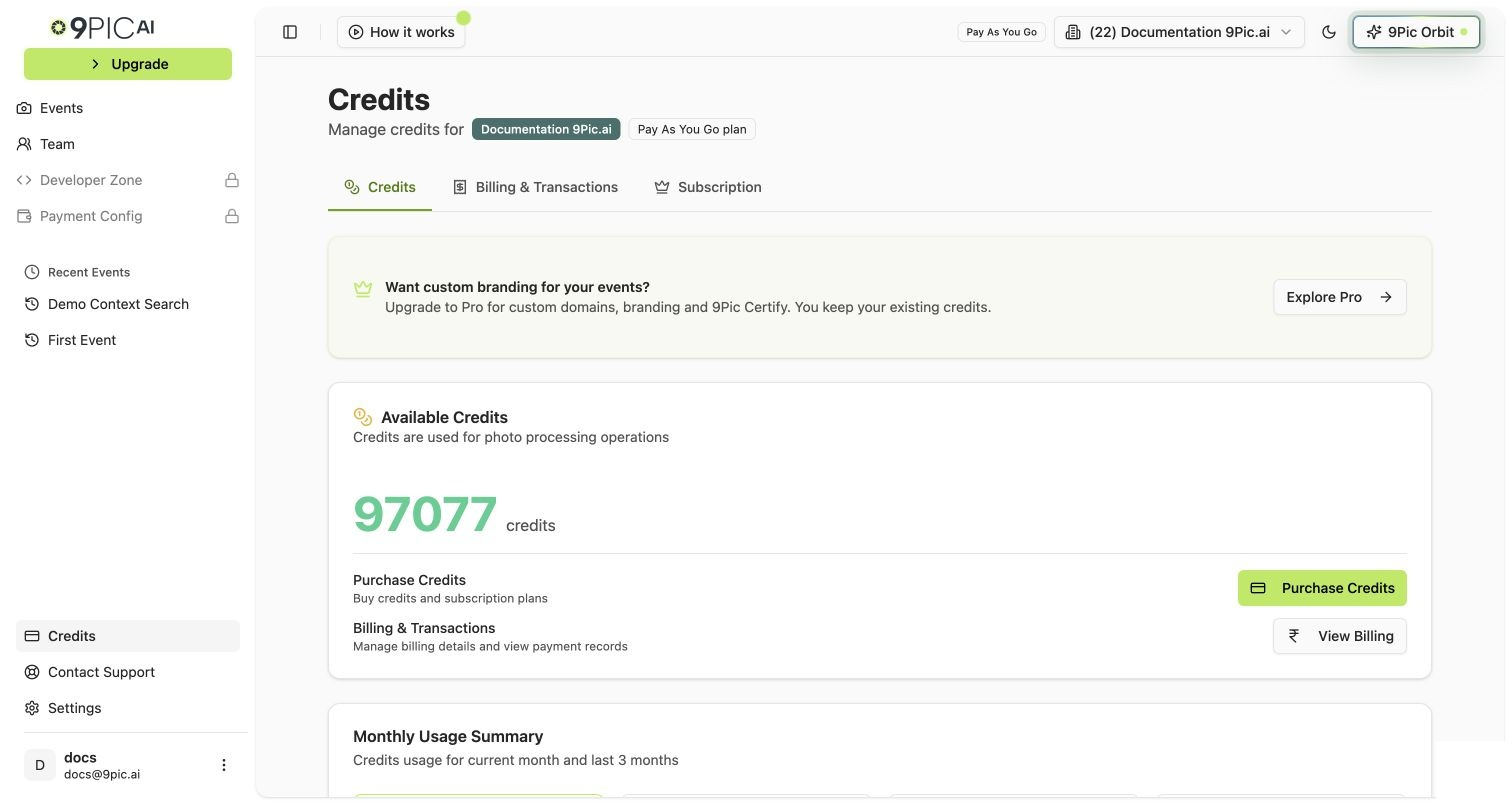
Pay As You Go credits balance
What to Do First
If you only have 15 minutes today, do these three things in order:1
Confirm your balance
Click Credits in the sidebar. The big number at the top is your Available Credits. That’s how many photos you can process before processing pauses.
2
Read the credit-cost cheatsheet
Open Photo Processing Costs. Two minutes here saves you from burning credits on the wrong settings.
3
Plan your next event
Open Run an Event and use the credit estimator at the top to plan your top-up before you start syncing.
The Full Pay As You Go Journey
What's Included
The exact products you get on Pay As You Go (and the ones you don’t).
Run an Event
End-to-end event flow with credit costs at every step.
Photo Processing Costs
What 1 credit pays for, and the settings that change the math.
Avoid Credit Foot-Guns
The five mistakes that burn the most credits the fastest.
Manage Credits
The Credits page, monthly usage, and transaction history.
Buy More Credits
The top-up walkthrough, step by step.
Invoices & Transactions
Find a past payment, download an invoice, recheck a stuck status.
When to Upgrade
The honest math — when Pay As You Go is enough, and when Pro pays back.
Upgrade to Pro
The exact dashboard flow for moving from PAYG to Pro.
Talk to Us
When to reach out for Enterprise, beta features, or a custom quote.
Already Familiar with 9Pic?
If you’ve used 9Pic before, you can skip ahead:Dashboard Guide
Plan-agnostic reference for every dashboard page.
Pro Guide
What you’d unlock if you moved to the Pro subscription.
Need help? Email support@9pic.ai. Pay As You Go customers get the same support response as Pro and Enterprise.