

Overview
Use this page to sign in and verify you are on the correct dashboard home screen.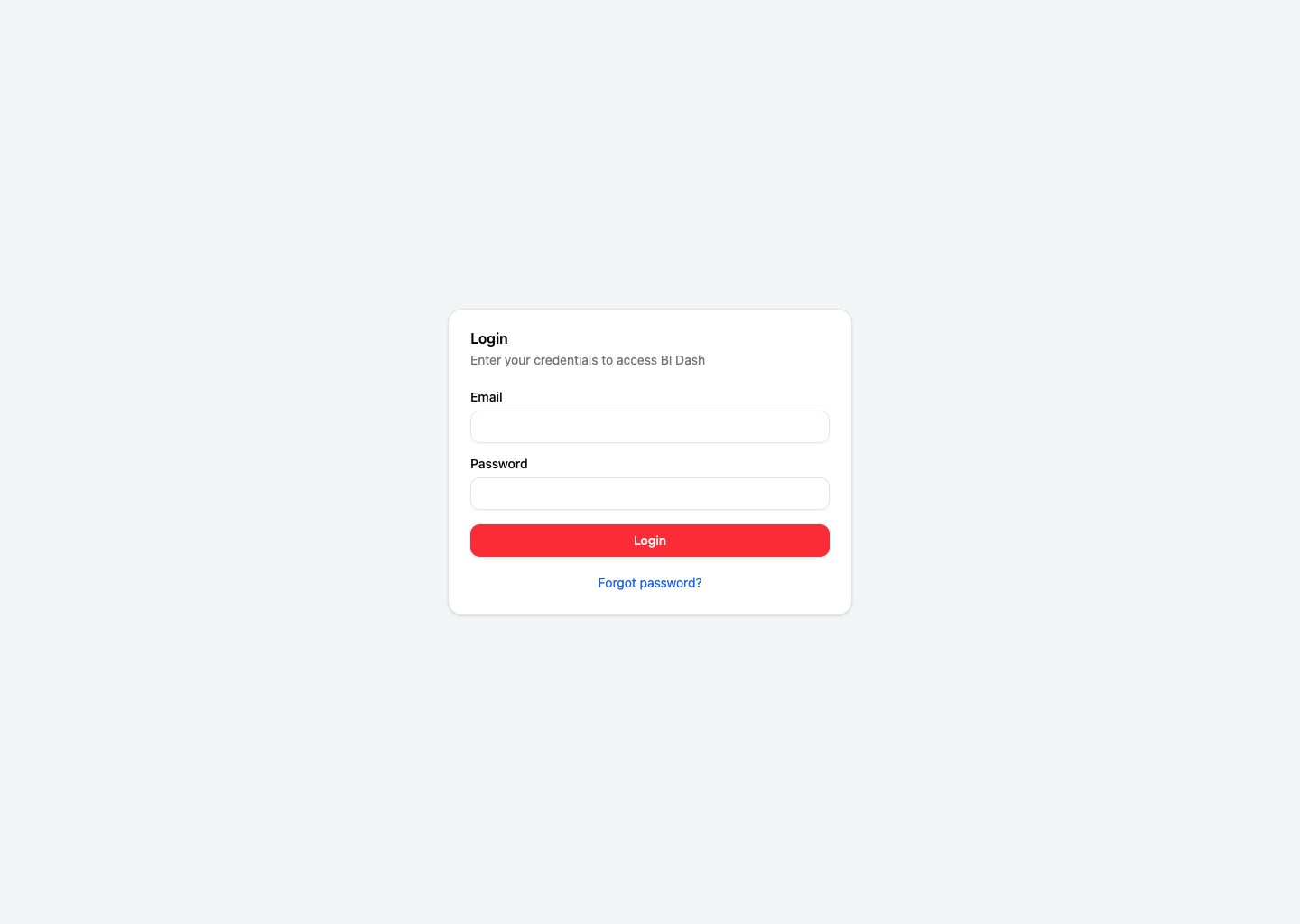
Steps to Log In
Open the login page
Go to admin.9pic.ai/login.
Confirm You Landed on the Right Dashboard
After login, look for Quick Access cards such as:- Create New Event
- Event List
- Docs
If You Cannot Log In
- Wrong email or password: Re-enter both fields and try again.
- Forgot password: Click Forgot password? on the login screen and follow the reset flow.
- No access yet: Ask your organization admin to invite you from the Team page.
Use one account per team member. Avoid sharing passwords between staff.
Next Steps
Create Your First Event
Follow the end-to-end guide to create, sync, process, and go live.
Start Here Guide
See the complete onboarding flow and choose your next step.