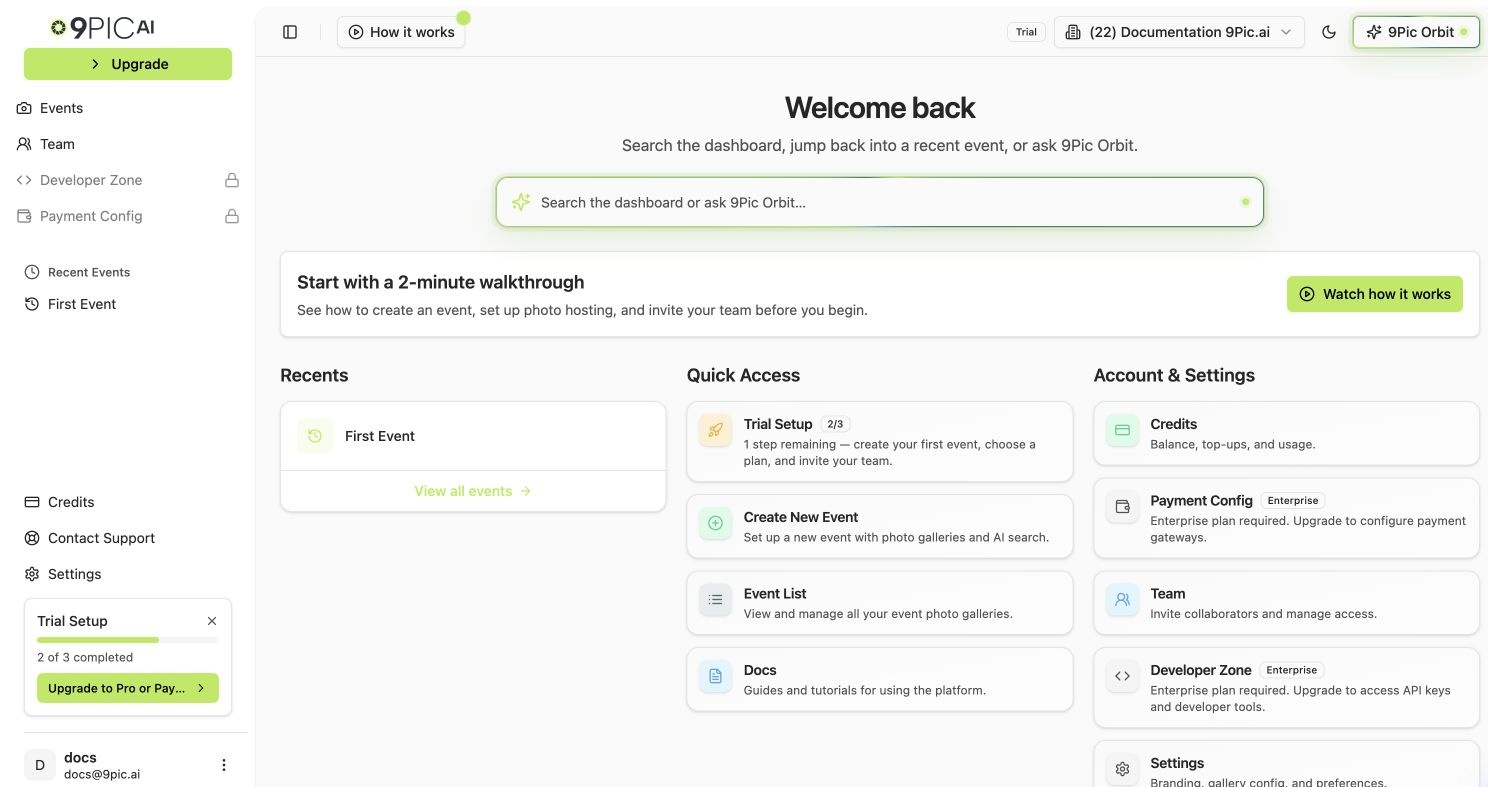
Once you’ve decided on a plan, the upgrade flow itself takes a few minutes. This page walks you through what to expect so there are no surprises at the payment step.
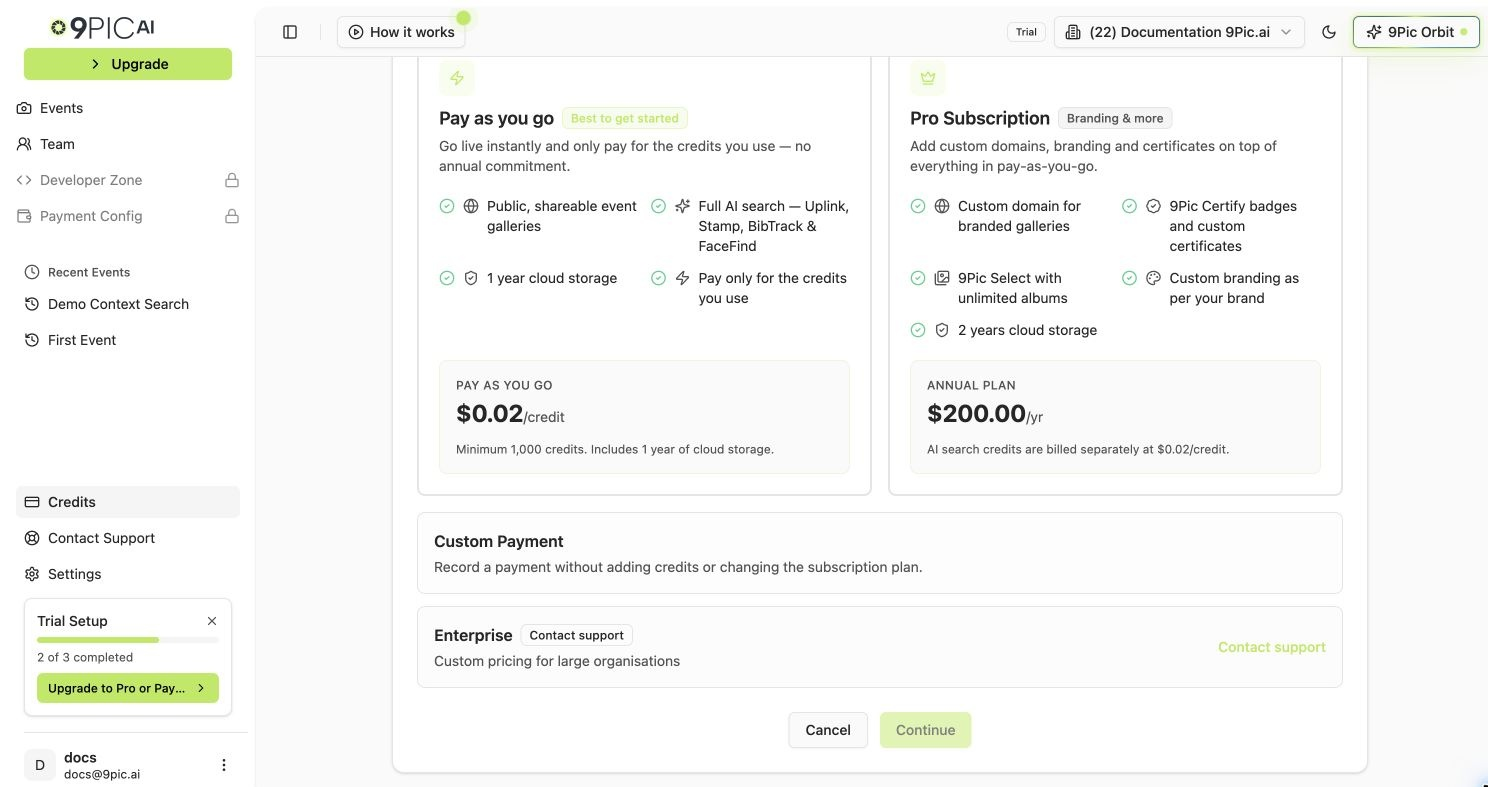
You’ll see plan options based on your current state:
Pay As You Go
Pro Subscription
Enterprise
Pick Pay As You Go if you want flexible, usage-based billing without a yearly commitment.Continue to the credits step to choose how many credits to buy upfront.
Pick Pro Subscription for the annual plan with custom domain and creative tools.Pro is $200 / year. Continue to the credits step to add a starter credit pack.
Enterprise is not self-serve from this page. Click the Enterprise card and you’ll be sent to 9pic.ai/contact to talk to our team.See Talk to Us for what to expect.
Your existing trial events stay Private after the upgrade. The domain moves automatically, but each event’s Platform Visibility must be flipped from Private to Public manually, on the events you actually want to publish.
Card declined: try a different card or contact your bank. The order is not charged again automatically.
Window closed before payment: the order is marked Abandoned. Just start the flow again.
Charged but plan didn’t update: this is rare but recoverable. Take a screenshot of your gateway confirmation, then email support@9pic.ai. We’ll reconcile manually.
No. Any unused trial credits stay in your balance and combine with the credits you just purchased.
Will my existing trial events become public automatically?
No. Existing events stay Private until you change their Platform Visibility setting yourself. The domain does change automatically — from trial.9pic.ai to app.9pic.ai — but visibility is a per-event decision you control.
Does my existing event link still work after upgrade?
Old links pointing at trial.9pic.ai redirect to your new app.9pic.ai location. To be safe, copy the fresh link from the event header after the upgrade and use that going forward — especially when you’re finally sharing it with real participants.
Can I upgrade mid-event?
Yes. Plan upgrades take effect immediately. New features become available for all events in the organisation, including the one you’re already running.
Can I get a refund if I change my mind?
Refunds are governed by the refund policy you accept at checkout. For special cases, email support@9pic.ai.
Does my team get notified when I upgrade?
Existing teammates don’t receive a special notification, but they’ll see the new plan badge and creative tools when they next open the dashboard.