

Overview
9Pic helps event organisers and photographers deliver event photos and videos that participants can find with a selfie or their bib number. These docs explain how to run your events in the 9Pic dashboard at admin.9pic.ai, on any plan.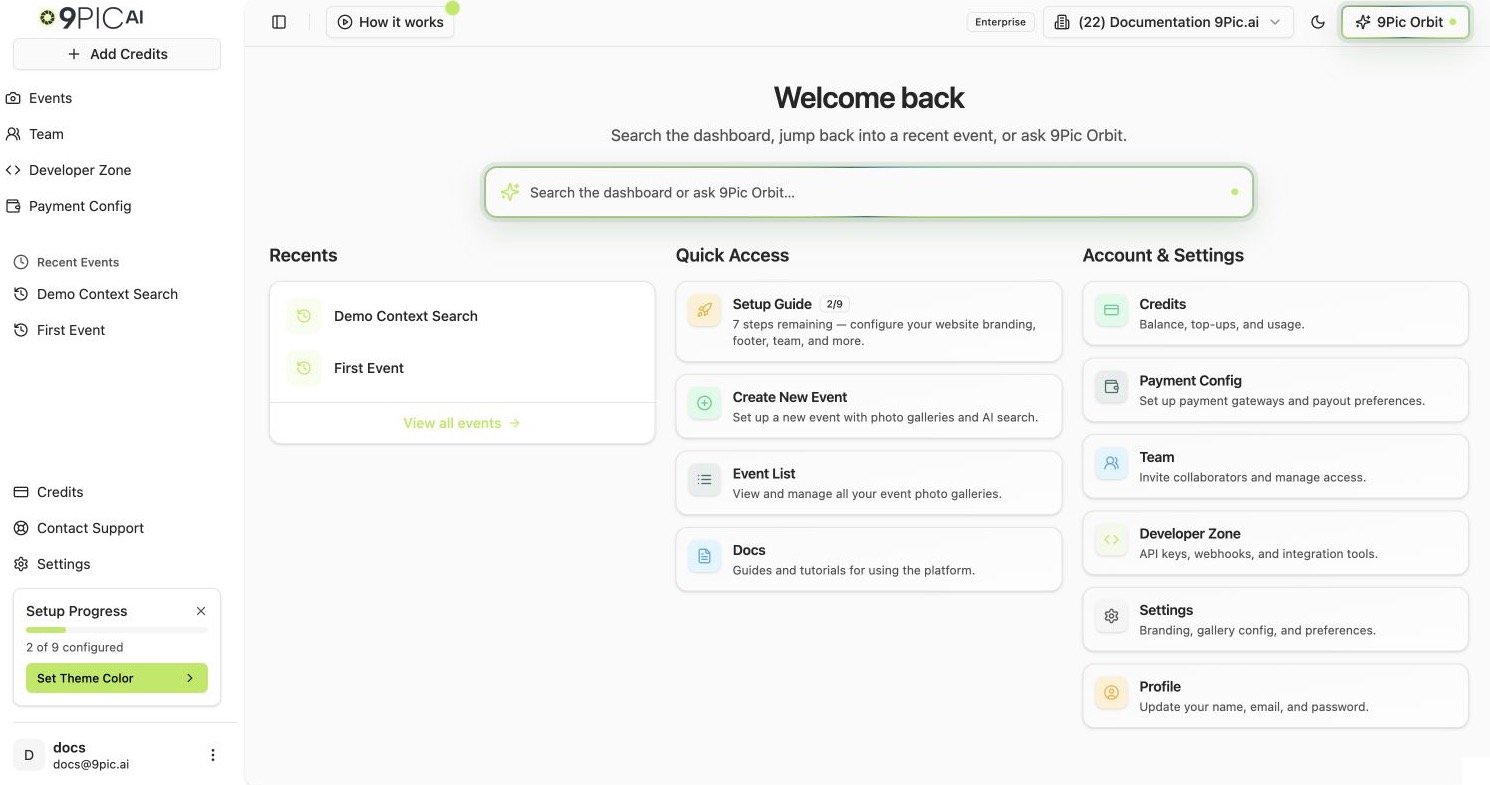
Dashboard home Quick Access
New to 9Pic? Start Here
Follow these in order. By the end you will have an event with real photos that you can search.1
Sign in
Sign in to the dashboard and pick the right organisation if you belong to more than one.
2
Take the dashboard tour
Two minutes on the dashboard tour: the sidebar, Quick Access cards and Setup Progress.
3
Create your first event
The first-event walkthrough takes you from a new event to processed, published photos.
4
Try photo search
Test selfie and bib search on your own event, then invite your team.
Find Your Way Around
Products
Everything inside an event: Photo, FaceFind and BibTrack search, Uplink, Motion, Flow, Certify, Buzz, Select, Checkout, the event page and analytics.
Account & Billing
Plans, credits and invoices, your website’s branding and domain, your team, payment gateways and support.
Troubleshooting
Something isn’t working? Start from what you see: log-in, sync, publishing, search or credits.
AI & Automation
Run your events from ChatGPT and other AI assistants, give coding agents the 9Pic skill, and manage API keys.
Before Event Day
Share these briefs with your photographers and timing team before the event, so photos can be matched to participants.Photo Tagging
What makes bibs and faces easy to detect.
Camera Setup
Camera time and settings to check before the start.
Which Plan Are You On?
Each plan has a short page listing what it includes and what to set up first.Trial
Evaluate 9Pic with free credits.
Pay As You Go
Pay per photo, no annual fee.
Pro
Your branded site and every creative product.
Business
Everything in Pro, plus selling photos and API keys.
Need help at any step? Email support@9pic.ai or open Contact Support from the dashboard sidebar.